

Seedream 5.5 vs 5.0 Pro: Differences and Which to Use
Compare Seedream 5.5 and 5.0 Pro for editing, transparent images, layers, text, references and resolution—and understand where 5.5 Pro fits.
You have a product photo to revise, a poster to finish, or a transparent asset to deliver. One model says 5.0 Pro. Another says 5.5. Does the newer number outweigh the Pro label?
For a new workflow, Seedream 5.5 is the stronger starting point when repeated edits or transparent assets matter. Keep an established 5.0 Pro workflow if it already gives you the controls and output you need, then compare it on your own files before switching. The important differences are in editing behavior and supported output operations, not the name alone.
This is a documentation-based comparison, checked on November 16, 2026. It is not a hands-on benchmark, and the demonstrations below are illustrative rather than results generated through this website.
First, separate the three Seedream names
Seedream 5.0 Pro is an official model. ByteDance's July 8 launch announcement describes dense information layouts, localized editing, sketch guidance, layer separation and multi-image fusion. It was already a generation-and-editing model, rather than a text-to-image-only predecessor.
Seedream 5.5 is the model introduced on November 9. The official announcement emphasizes editing consistency, native RGBA assets, realism and small-text rendering. ByteDance reports improvements over 5.0 Pro in its own evaluations; that is useful evidence, but not a guarantee for every prompt.
Seedream 5.5 Pro needs more careful interpretation. The same announcement says a Pro version will follow. Meanwhile, the BytePlus promotional page uses “Seedream 5.5 Pro” in its sales copy while its image allowances are labeled Seedream 5.5. That mixed wording does not establish a separate, fully specified model for this comparison.
If you searched for “Seedream 5.5 vs Pro,” check which Pro you mean: the documented 5.0 Pro model or the anticipated 5.5 Pro variant. They are different comparisons. Seedream 5.5 Pro is also this website's brand name; the tool discussed here selects Seedream 5.5.
Seedream 5.5 vs 5.0 Pro: the practical differences
The technical rows below follow the BytePlus Seedream 5.5 capability comparison. These are model/API capabilities; a particular app may expose only some of them.
| Capability | Seedream 5.0 Pro | Seedream 5.5 |
|---|---|---|
| Text to Image and single-image editing | Supported | Supported |
| Reference images for ordinary generation | Up to 10 | Up to 10 |
| Transparent output from text alone | Not supported in the documented RGBA mode | Supported |
| Transparent output from image input | One PNG reference with an alpha channel | Up to 10 references; input alpha not required |
| Layer decomposition | Base image plus up to 16 layers | Base image plus up to 99 layers |
| Rich-text OCR with decomposition | Not listed as supported | Supported |
| Image-generation resolution presets | 1K, 1.5K, 2K | 1K, 1.5K, 2K |
The table does not make 5.0 Pro obsolete. It tells you which differences might remove a step from your workflow. Ten reference slots are of little benefit when you need one clean cutout; a larger layer allowance is irrelevant if your app exports only a flattened image.
Image editing: choose around the revisions you actually make
5.0 Pro's interactive editing is worth understanding before dismissing it. Its official examples use annotations and material references to specify both where an edit should happen and what should change. For a designer who already works with marked-up briefs, that is a useful way to communicate a revision.
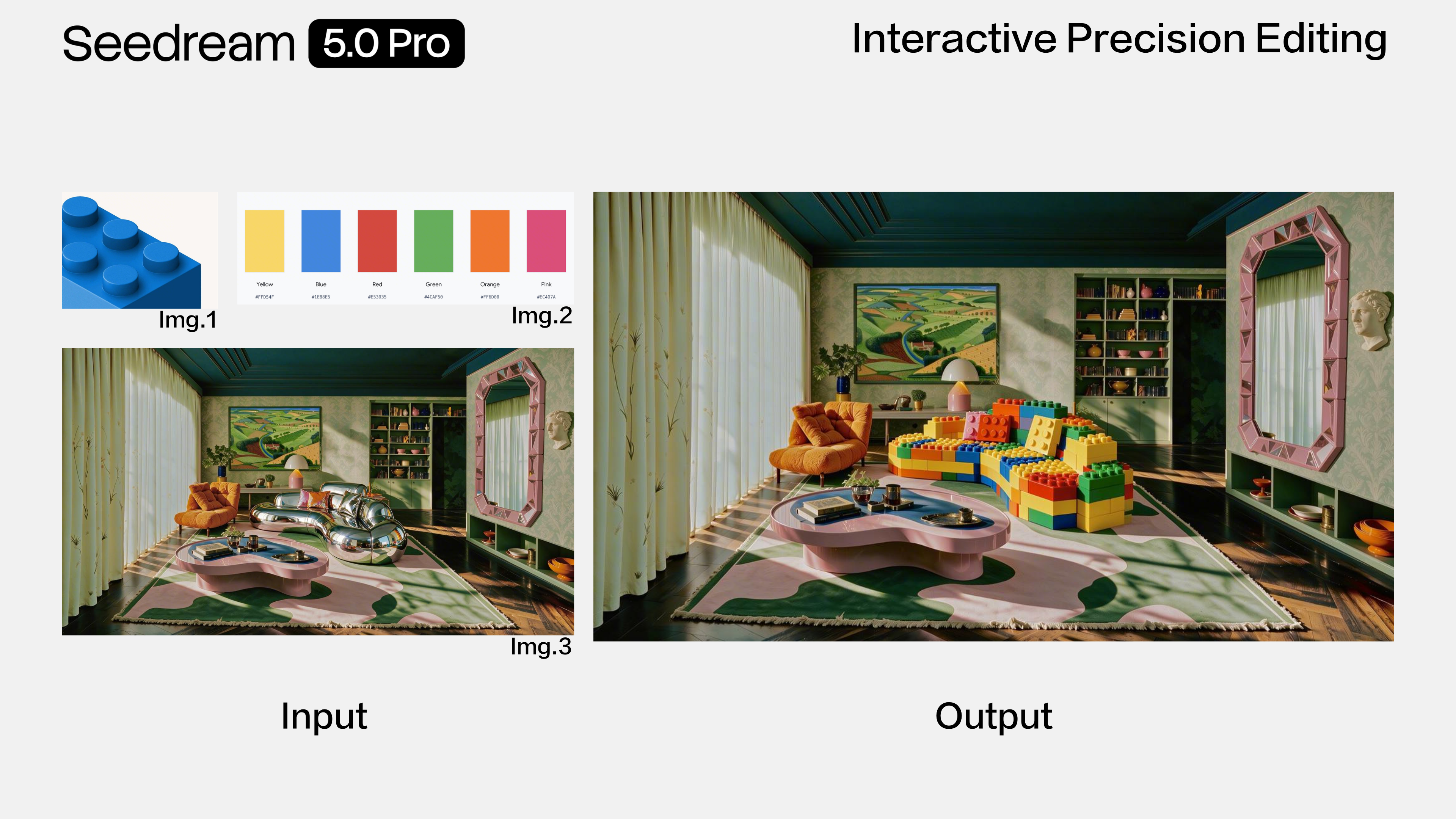
A material sample and a color swatch give a local edit a more specific target than an adjective such as “luxurious.”
5.5's headline editing claim concerns what survives across revisions. ByteDance demonstrates 100 successive edits using each result as the next input. Treat that as a demonstration of the intended improvement, not a promise that your hundredth revision will always preserve every detail.
Watch the areas outside each requested change as the sequence progresses. Their consistency matters as much as the new object.
For product photography, begin with a narrow edit: replace the background while keeping the product silhouette, label and camera angle. Inspect the label before asking for another change. If the bottle shape or printed mark drifts, return to the original photo rather than building more revisions on a damaged result.
For repeated revisions, I would evaluate 5.5 first. For a single annotated correction in a working 5.0 Pro setup, the useful question is whether switching improves that correction—not whether the version number is higher.
Transparent images and editable layers solve different problems
The transparency distinction is more specific than “5.5 has PNG.” A PNG can still be completely opaque. What matters is an alpha channel that actually contains transparent pixels.
5.5 broadens the documented RGBA workflow beyond 5.0 Pro's alpha-bearing reference requirement. That makes it the more direct candidate for a sticker or isolated design element created from a written brief. Select PNG and a transparent background where those controls are available, then inspect the downloaded file over both light and dark backgrounds.
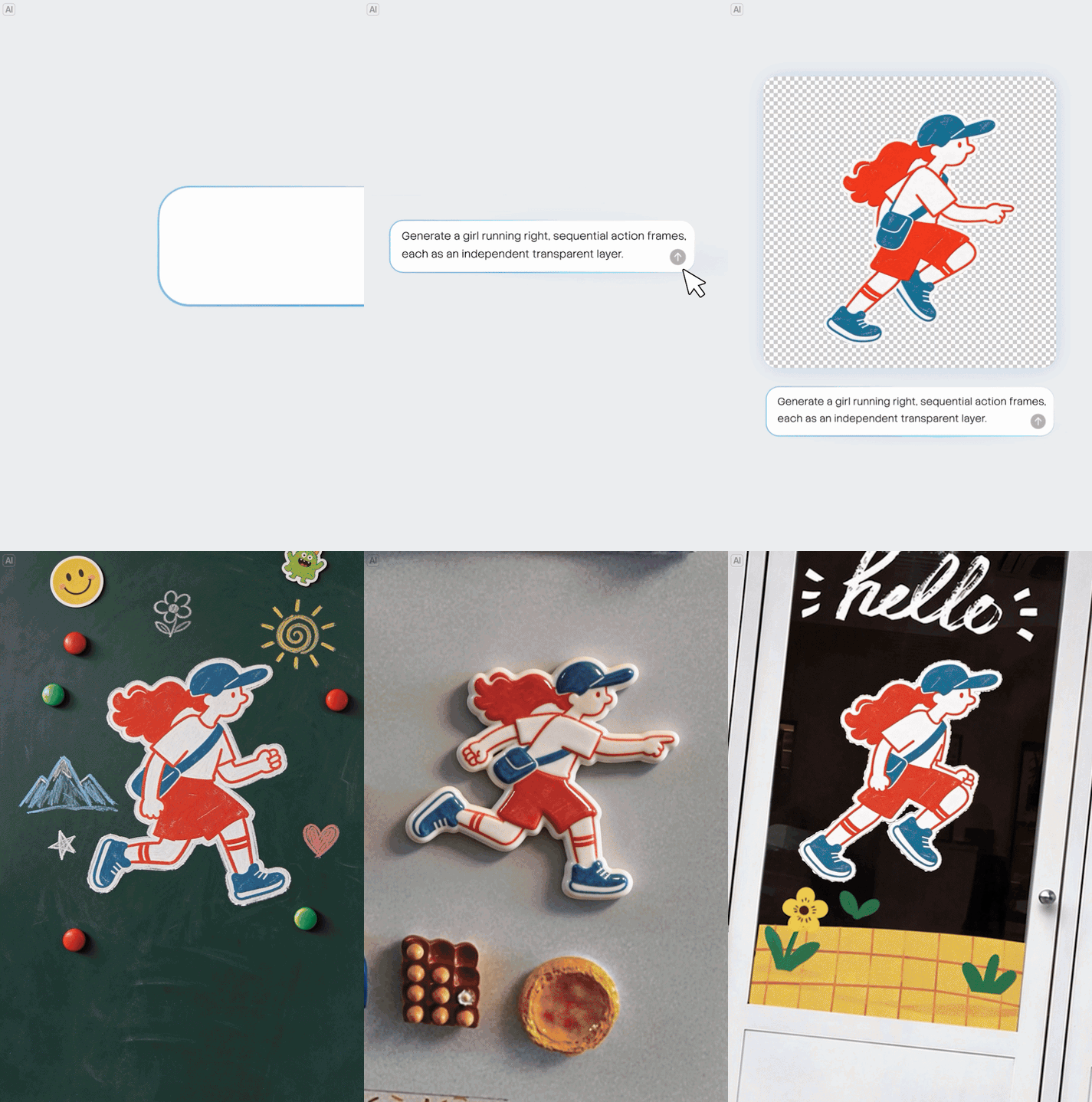
An isolated subject can be placed into another composition. Check fine edges and gaps as well as the empty space around it.
Layer decomposition addresses a different handoff: separating a composition into components. Neither a transparent image nor several generated pictures automatically constitutes an editable design file. Before promising a layered deliverable, check whether your service exposes decomposition, what files it returns, and how those files open in your design software. Do not promise a PSD or editable font objects merely because a model supports layers.
5.0 Pro is a reasonable option when its existing decomposition workflow meets your needs. 5.5 is worth evaluating when the documented layer limit or text extraction would help. Neither recommendation implies that this website currently provides a layer-export interface.
Text: evaluate the smallest line, not just the headline
5.0 Pro already targets information-dense designs. The official 5.0 Pro showcase includes technical diagrams and complex interfaces. A comparison that describes the older model as unable to handle text would miss its purpose.
5.5's announcement reports better small-text rendering. That makes it a sensible first candidate for a poster with several levels of copy, but you should still check every date, amount and product name.
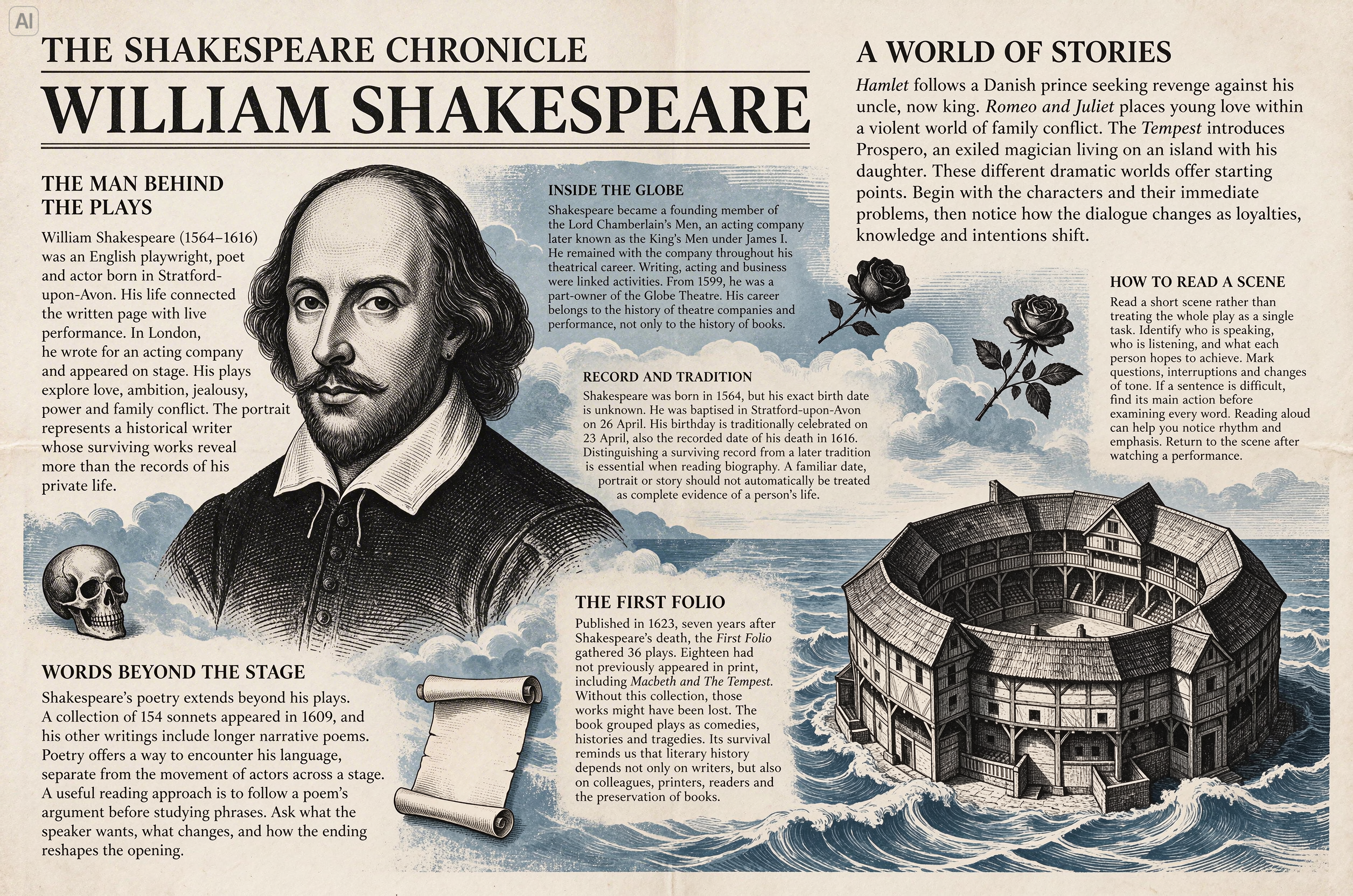
A convincing newspaper layout can hide mistakes in the smallest text. Inspect the final export at its intended reading size.
For a useful comparison, supply exactly the same headline, subtitle and footer to both models. Judge spelling, omissions, line breaks and hierarchy separately. If a legal line must be exact, keep that text in your layout editor and use the generated image as the artwork beneath it. That also makes later copy changes easier.
References and resolution: newer does not mean every feature carries over
Assign each reference a role: one for the product, another for composition, another for materials. Adding more references without explaining their roles can make the brief ambiguous. The shared reference limit in the table is a capacity, not a recommendation to fill every slot.
Resolution illustrates why Seedream versions should not be treated as one ascending feature ladder. The official image-generation tutorial lists 1K, 1.5K and 2K presets for 5.5 and 5.0 Pro, but 2K, 3K and 4K for 5.0 Lite. A 4K claim about Lite therefore does not establish 4K support for either model compared here.
The API reference also scopes sequential generation of related images to specific branches, including 5.0 Lite, 4.5 and 4.0. Layer outputs are a separate operation. Do not interpret “up to 99 layers” as 99 independently generated campaign images.
The same discipline applies to web search: verify support for the exact model and service rather than assuming that a capability mentioned elsewhere in the family is inherited. For a deliverable, check actual pixel dimensions, output format and the operation you need before choosing a version.
Which should you use for your task?
| Your task | Where I would start | What decides whether to keep it |
|---|---|---|
| Replace a product-photo background | 5.5 for a new workflow | Product geometry, label accuracy and believable contact shadows |
| Revise the same image several times | 5.5 | Whether unchanged details survive your actual revision sequence |
| Make an isolated sticker or graphic | 5.5 with transparent PNG controls | Genuine alpha transparency and clean edges |
| Finish an information-heavy poster | Compare both with identical copy; try 5.5 first | Small-text accuracy and layout at delivery size |
| Continue an established annotated-edit workflow | Your working 5.0 Pro setup | Whether a controlled 5.5 trial improves the result enough to switch |
| Hand off separate design components | A service exposing the required decomposition mode | Usable files, sufficient separation and successful import into your editor |
These are starting recommendations from the documented capabilities, not measured rankings. Run a small comparison on representative work before changing a repeatable production process. Save the input, prompt, selected settings and result so that you can explain why one version worked better.
Trying the current model on this website
The Seedream 5.5 tool provides a browser-based workbench for Text to Image and Image to Image tasks. Its current configuration selects Seedream 5.5 and includes reference images, 1K/1.5K/2K settings, PNG/JPEG output and background options. Choose PNG for a transparent-background request.
Start with one representative file and one clearly stated change. Inspect the downloaded image before committing to a batch of similar work. The site's Pro branding does not turn that selection into a separately verified 5.5 Pro model, and the official model demos above are not a validation of this site's generation results.
For now, choose between the documented 5.5 and 5.0 Pro workflows on the basis of the file you need to deliver. A separate 5.5 Pro comparison will become useful when its model identity, specifications and access can be verified together.